Virtual cards in your store
How it works
- 1
Connect your cards provider
Your store holds the cards provider account; the cards section appears once a card source is on.
- 2
Set your margins
A fixed profit on each new card, and a percentage with a minimum on each top-up.
- 3
Customers buy and top up
The customer pays from their balance; if the provider refuses, the amount goes back automatically.
What you get
Your own margins
Set a profit on each card issued and on each top-up. Zero is allowed; a loss is not.
Card details stay with the cardholder
No store ever sees the card number or security code; the cardholder sees them after two-step verification.
Refused means refunded
A card is created only after the issuer accepts it. A refusal returns the money to the customer's balance.
Held top-ups you decide
A top-up the provider did not answer clearly waits for you: confirm it, refund it, or settle it by hand.
Your name on the tile
Choose the name, picture and short description customers see on your cards tile.
0% commission on sales
Your card margins are yours. The only cost is your plan subscription.
What your customer sees
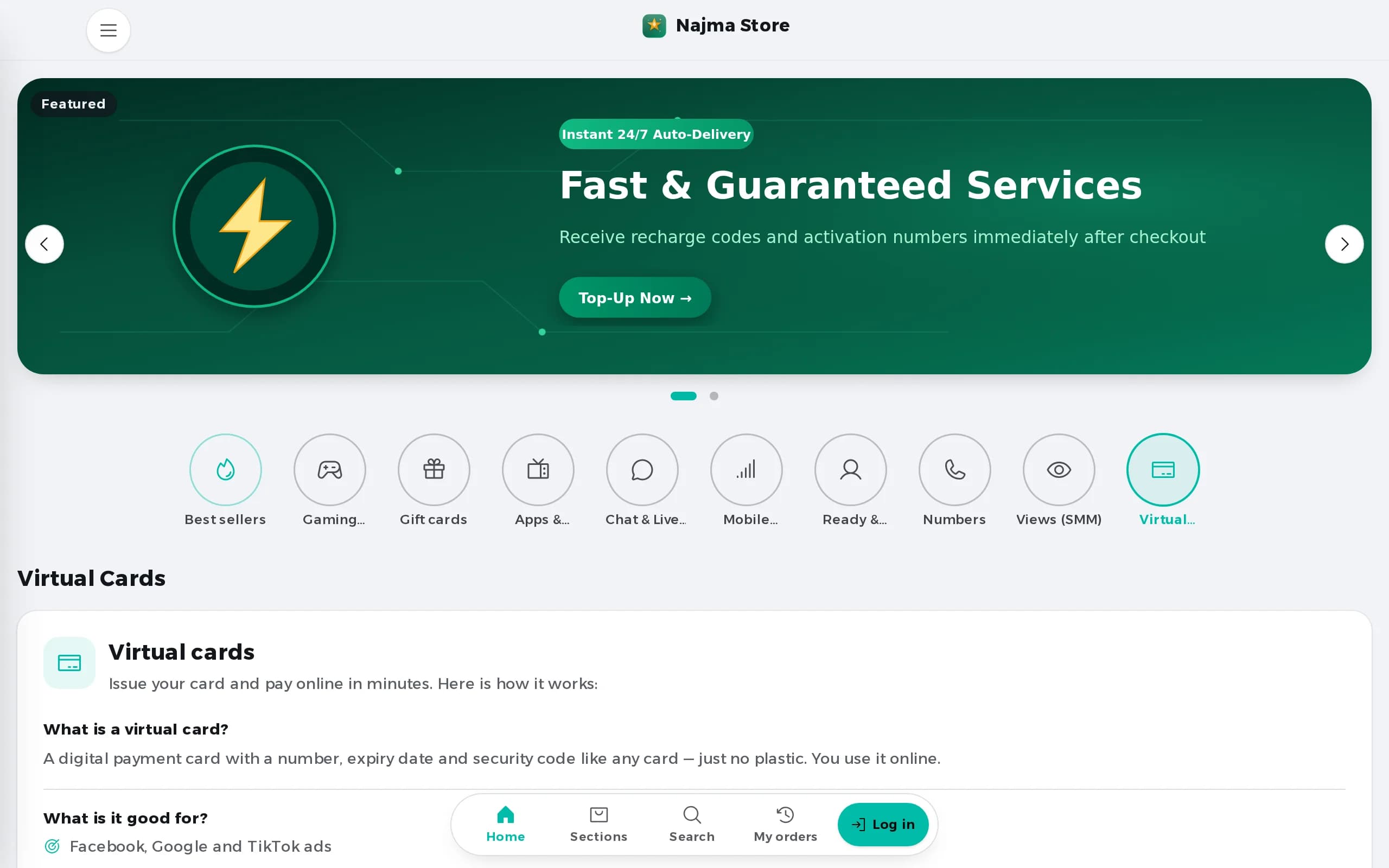
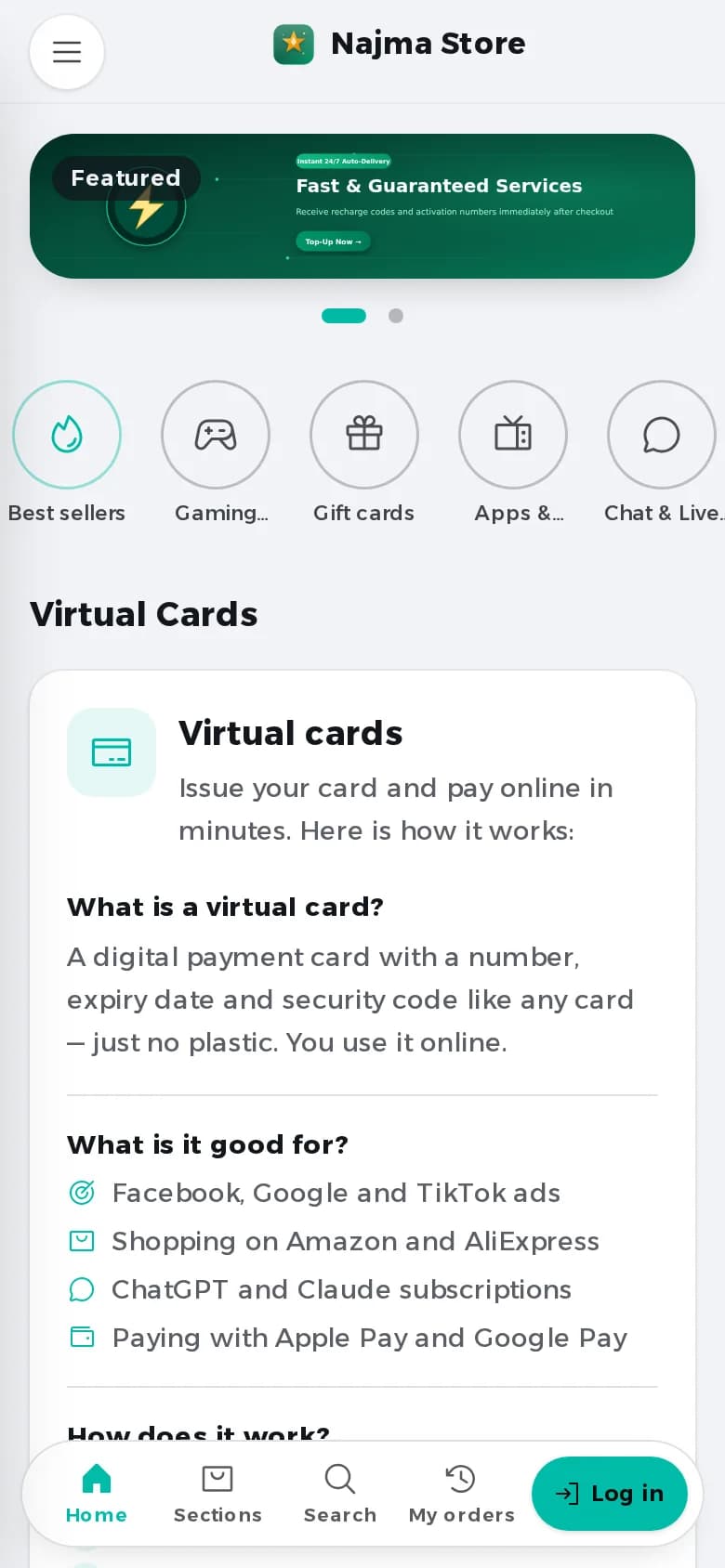
A cards page in your store: buy a card, top it up from the balance, and see its balance and activity.
All four kinds in one store
Your digital store enables you to activate all four kinds under one account and subscription.
Ready to launch your store?
0% commission on sales, all four kinds in one store. Try Pro free for 7 days, then from $9.99/mo.